
News
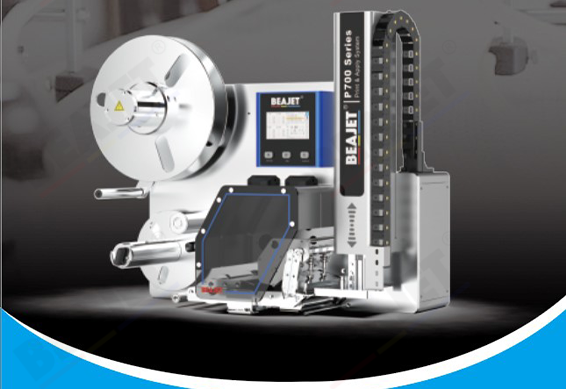
In some production environments, a print and apply labeling machine requires on-site confirmation of label information before applying labels. Proper operation ensures accurate labeling and prevents data errors and rework.
1. Preparation for On-Site Verification
Check label data: Ensure data from the system or local input is complete and correct.
Verify printer status: Clean printhead, properly installed paper roll or ribbon, no error alarms.
Confirm material type: Ensure the product type, size, and surface are suitable for the current label.
2. On-Site Verification Steps
Activate pre-print mode: Select “On-Site Verification” or “Pre-Print” on the control panel.
Print sample labels: Print a small batch for verification, including barcodes, models, and batch information.
Compare and verify: Staff compare sample labels with actual product information to ensure accuracy.
Approve labeling: If correct, start full labeling; if discrepancies are found, adjust data or settings and reprint.
3. Key Points
Sample labels are for verification only, do not apply to products.
Stop the production line immediately if data inconsistencies are detected to avoid mass labeling errors.
Use the display screen or scanners during verification to improve efficiency.
If you are unable to verify label information on-site, contact after-sales support promptly. Hangzhou Beajet Digital Technology Co., Ltd. specializes in print and apply labeling machines and solutions, providing targeted technical support and implementation services.